


How To Verify Account in
Go Perya Piso Talpak
Quick Step-by-Step Tutorial
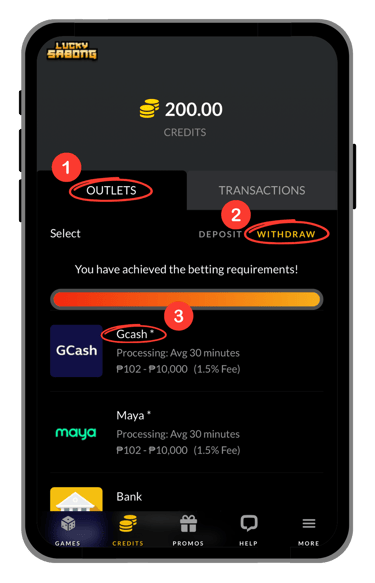
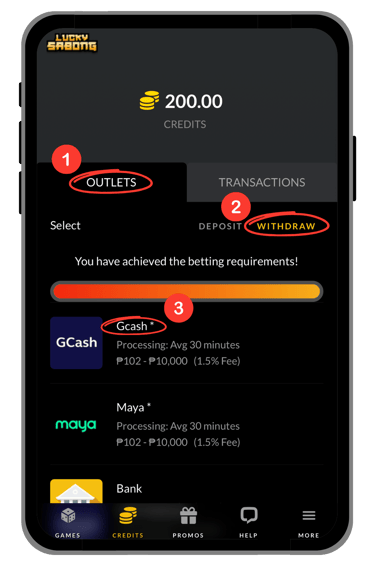
Step 1: Open the Verification Section
Step 2: Enter The Verification Code
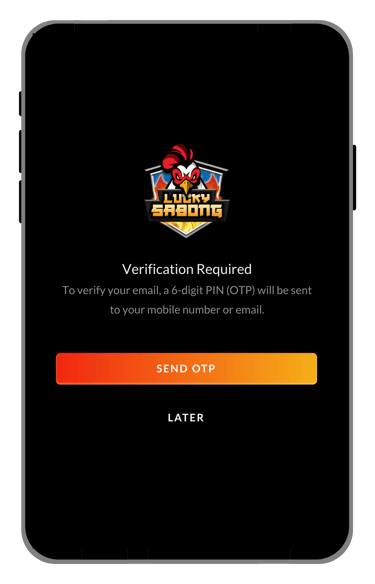
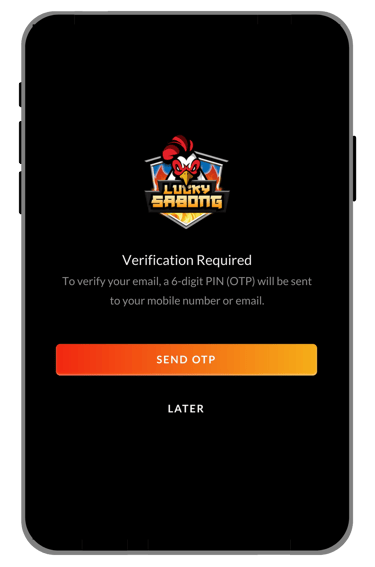
If you use mobile number, the code will be sent to your messages/inbox.
See the image below:
If you use email, the code will be sent to your email account.
Full Guides & Helpful Pages


• Full Verification Guide
If you want a more detailed explanation, this section explains each verification step more clearly. It is designed to help players understand the process first before completing account verification.
Go to Credits → Outlets → Withdraw → GCash to access the verification section. This will take you to the part of the page where you can begin the account verification process and continue with the next step.
Step 1: Open the Verification Section
Step 2: Enter the Verification Code
Once you reach the verification section, wait for the code to be sent to the contact method linked to your account. If you are using a mobile number, the code will be sent to your messages or inbox. If you are using an email address, the code will be sent to your email account. Enter the verification code carefully on the page so you can continue without delay.
• Helpful Tips Before You Verify Account
Before entering the code, make sure you are using the correct page and checking the correct mobile number or email account. It is also a good idea to enter the code as soon as you receive it so you can avoid problems if the code expires or changes.
• Common Verification Issues
Some players may have trouble receiving the verification code, opening the correct verification section, or entering the code properly. If this happens, check your mobile number or email address carefully and make sure you are looking at the correct inbox or messages before trying again.
• Need Help With Verification?
If you still cannot complete your account verification after following the steps on this page, use the customer support page on the website for assistance. Support can help players with verification concerns, account access issues, and other related questions.
• Final Reminder
Use this page as your account verification guide before continuing with the verification process. It is designed to help players understand the steps first, avoid confusion, and complete verification more easily.

© 2026 Go Perya Piso Talpak. All rights reserved.