


How To Cash Out at Go Perya Piso Talpak
Quick Step-by-Step Tutorial
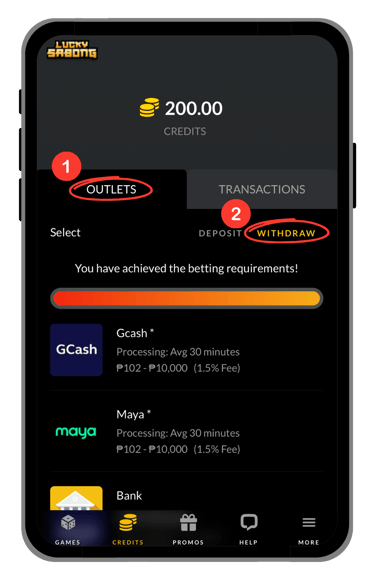
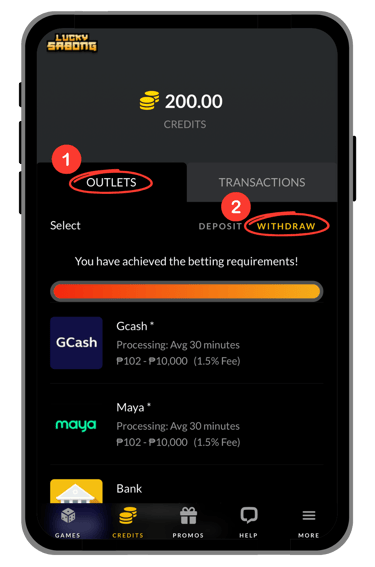
Step 1: Go to Credits → Outlets → Withdraw
Step 2: Choose a Cash Out Option
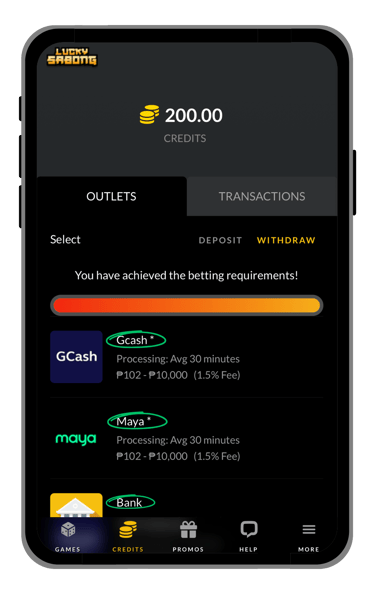
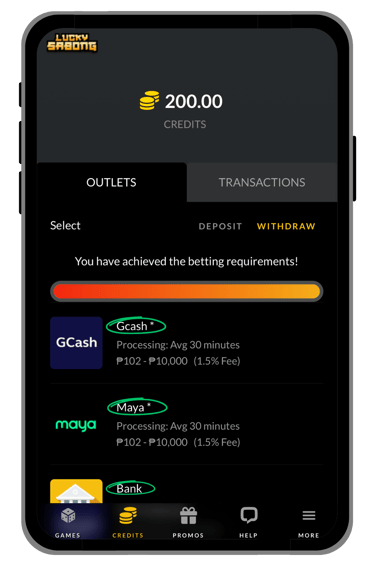
The available options may include Gcash, Maya, and Bank.
See the example image below:
Step 3: Select/Type the Amount to Cash Out

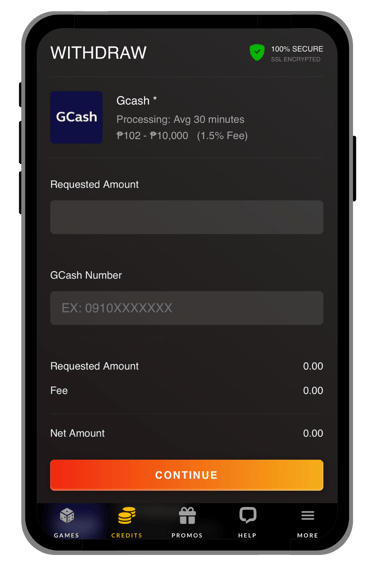
See the example image below:
Step 4: Check the Status of your Cash Out
Go to Credits → Transactions → Withdraw
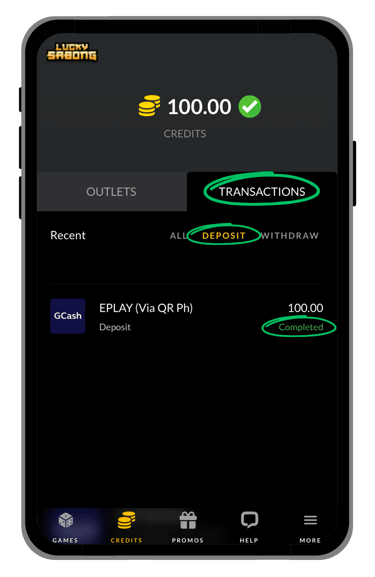
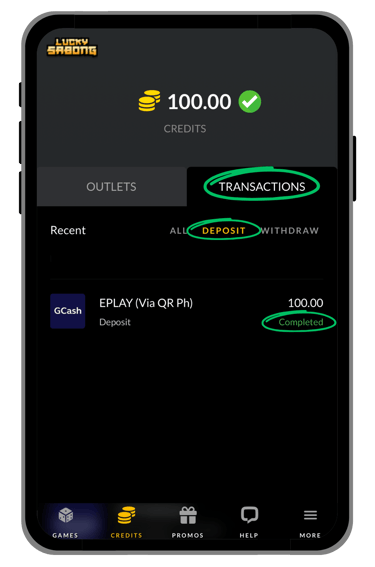
Step 5: Refresh The Link
Swipe down the page or find the refresh button.
Full Guides & Helpful Pages


• Full Cash Out Guide
If you want a more detailed explanation, this section explains each cash out step more clearly. It is designed to help players understand the process before submitting a withdrawal request.
Step 1: Open the Withdrawal Section
Go to Credits → Outlets → Withdraw to start your cash out request. This will take you to the withdrawal section where you can continue with the next steps.
Step 2: Choose a Withdrawal Option
Select the cash out option you want to use for your withdrawal request. Available options may include GCash, Maya, and Bank, depending on what is shown on the page.
Step 4: Check the Status of Your Withdrawal
After submitting your request, go to Credits → Transactions → Withdraw to check the status of your cash out. This helps you see whether your withdrawal request is pending, processing, or completed.
Step 3: Select/Type Amount to Withdraw
Choose a preset amount or enter the amount you want to withdraw. Review the amount carefully before continuing so you can avoid mistakes in your request.
• Helpful Tips Before You Cash Out
Before sending a withdrawal request, make sure you are using the correct page and reviewing the correct payout details. It is also helpful to check your amount carefully before completing the process.
• Need Help With Cash Out?
If you have trouble completing your withdrawal request or checking its status, use the customer support page on the website for assistance. Support can help players with payout concerns, account access issues, and other related questions.
• Final Reminder
Use this page as your cash out guide before continuing with your withdrawal request. It is designed to help players understand the process first, avoid confusion, and complete their cash out more easily.
Step 5: Refresh the Page
After checking the status of your cash out request, refresh the page to see if the latest transaction update has already been posted. This can help you confirm whether the request is still pending, processing, or completed.

© 2026 Go Perya Piso Talpak. All rights reserved.