


How To Contact Customer Support in
Go Perya Piso Talpak
Quick Step-by-Step Tutorial
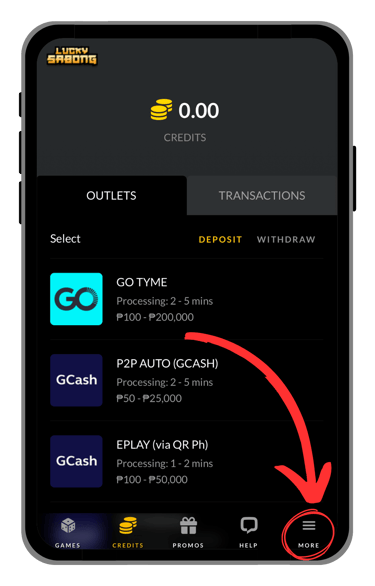
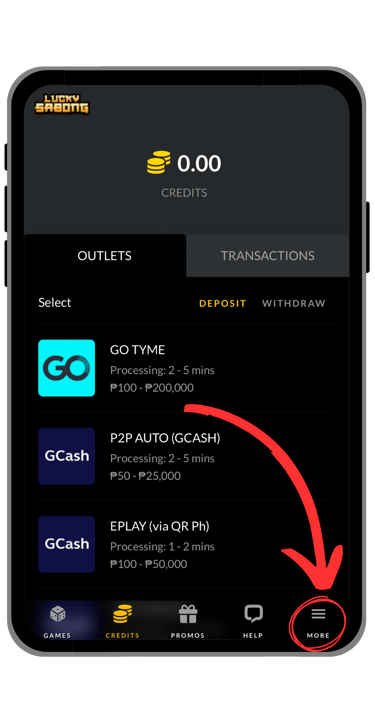
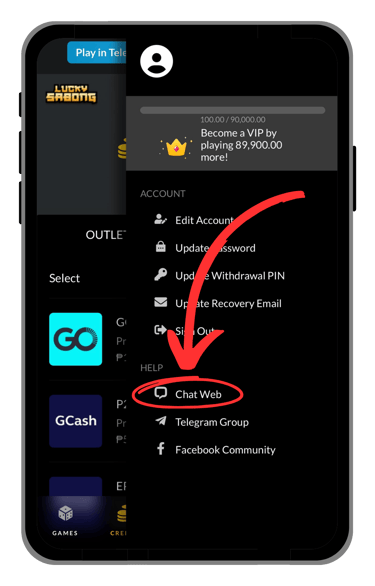
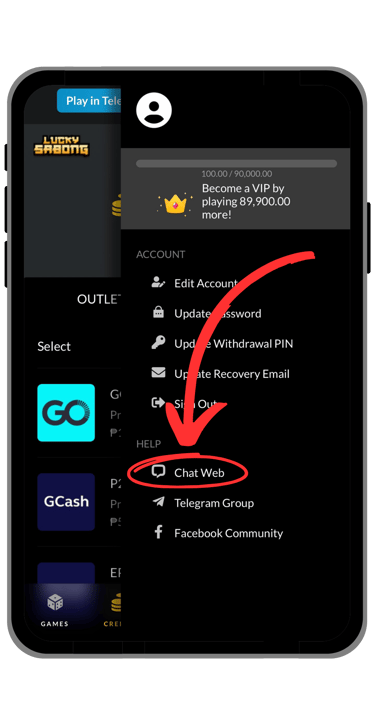
Step 1: Go to "More" → Chat Web
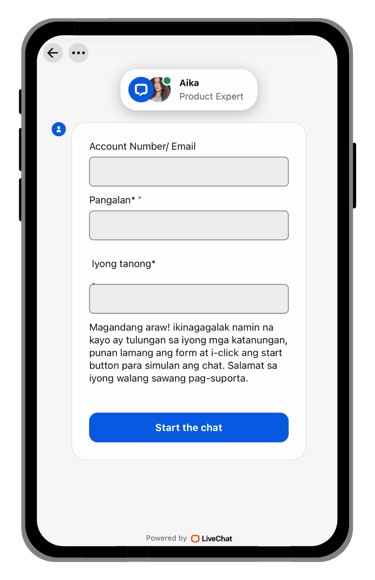
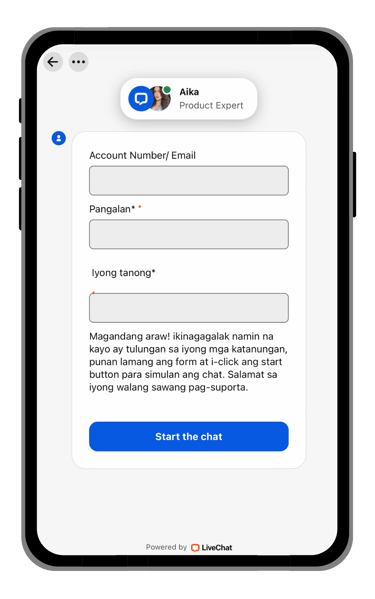
Step 2: Chat with Support via LiveChat
See the images below:
Full Guides & Helpful Pages


• Full Customer Support Guide
If you want a more detailed explanation, this section explains each support step more clearly. It is designed to help players understand how to reach customer support before asking for help with account-related concerns.
Go to "More" → Chat Web to access the customer support page. This will take you to the support area where you can continue with the next step and get help for your concern.
Step 1: Open the Customer Support Page
Step 2: Chat with Support via LiveChat
After opening the support page, use the live chat option to contact customer support. Type your concern clearly and provide the important details related to your account or transaction so the support team can understand your issue more easily.
• What You Can Ask Support About
Customer support can help players with many common concerns on the website. This may include registration problems, login issues, account verification, cash in concerns, cash out requests, transaction status questions, or other account-related concerns. If you are not sure where to start, live chat is usually the fastest way to ask for help.
• Helpful Tips Before Contacting Support
Before starting a live chat, make sure you are using the correct support page and prepare the details related to your concern. It is helpful to explain your issue clearly, use the correct account information, and describe the problem step by step. This can make it easier for customer support to understand your request and respond more quickly.
• Final Reminder
Use this page as your customer support guide before opening the live chat page. It is designed to help players understand how to reach support, avoid confusion, and ask for help more easily when needed.

© 2026 Go Perya Piso Talpak. All rights reserved.